
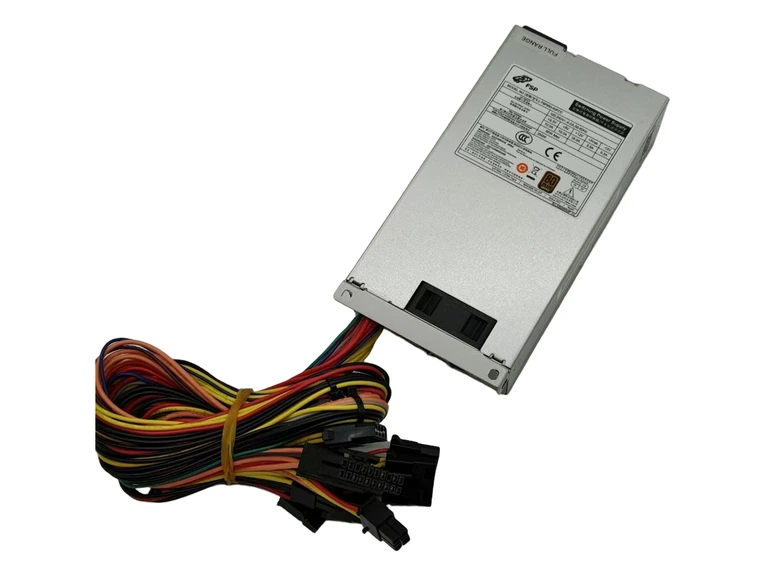
FSP
FSP250-50FCC
250 W · Configuration confirmed on request
View specifications ↗Explore industrial PC power supplies from the available Great Wall, FSP and Seasonic product materials. Compare mechanical format, input supply, output rails and equipment interfaces for your project.
5 matching products
250 W · Configuration confirmed on request
View specifications ↗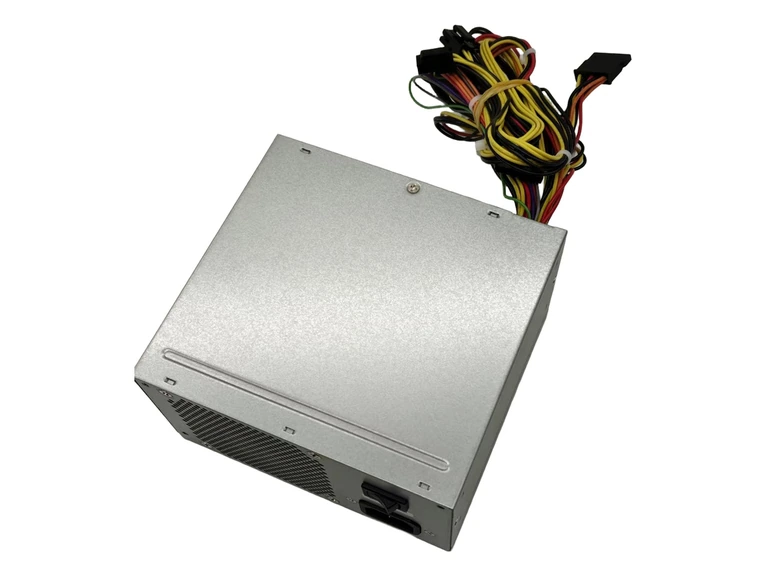
300 W · Configuration confirmed on request
View specifications ↗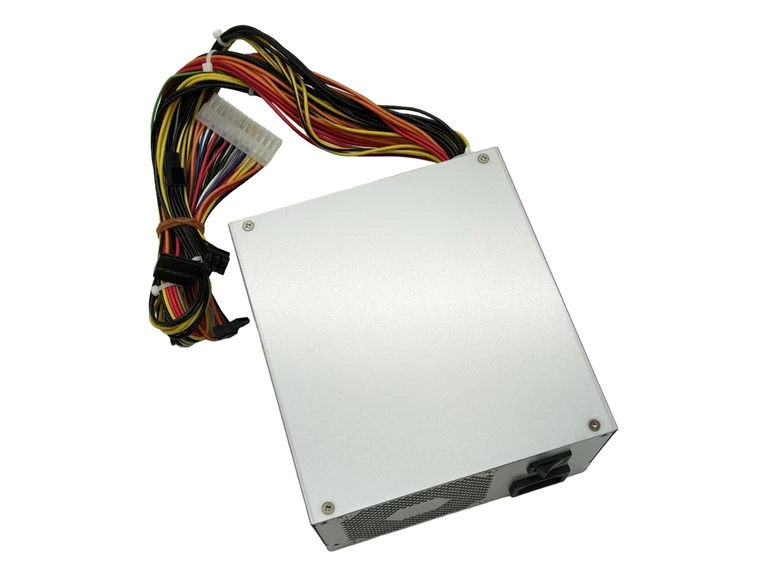
700 W · Configuration confirmed on request
View specifications ↗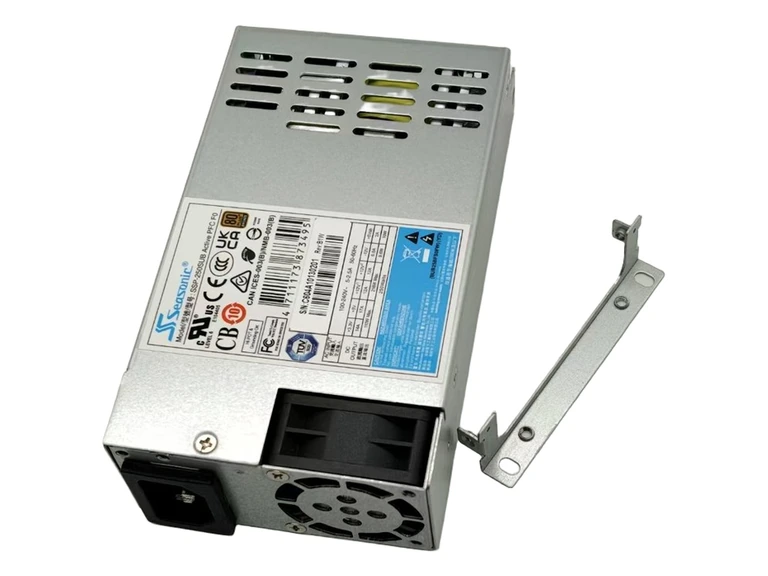
250 W · Configuration confirmed on request
View specifications ↗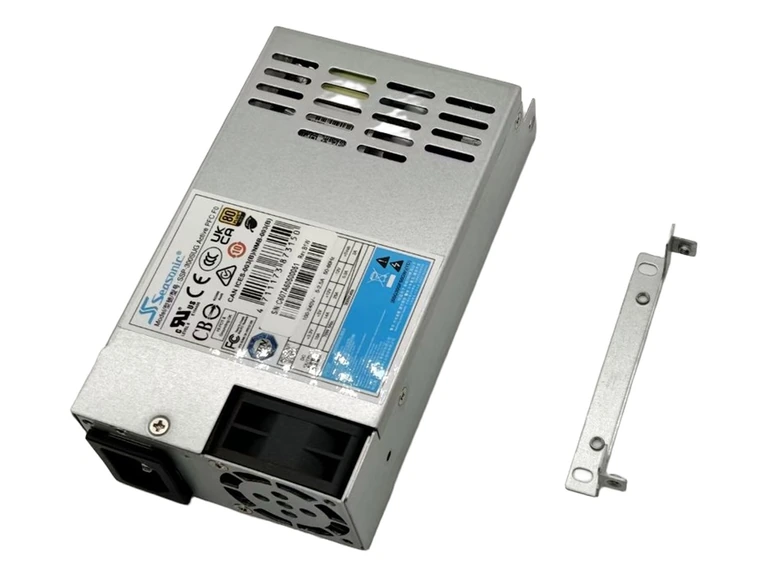
300 W · Configuration confirmed on request
View specifications ↗Industrial PC power requirements depend on the equipment design. A compact enclosure, peripheral connections and installation environment can matter as much as the rated output. Industrial suitability must be established from the exact model specification and the finished equipment requirements.
Identify the required ATX, Flex or model-specific format. Compare actual dimensions, mounting holes, fan position and cable exits rather than relying on the family name.
List motherboard, processor, storage and peripheral requirements. Check rail capacity, connector pinout, wiring lengths and allowed load distribution.
Compare the manufacturer-stated input range, temperature and cooling requirements with the equipment environment. Do not infer wide-temperature, fanless or special-environment capability without documentation.
| Option | What it describes | What to confirm |
|---|---|---|
| FSP250-50FCC | Flex 12V format in the supplied specification | 152 × 81.5 × 40.3 mm; confirm installation drawing |
| FSP300-50GLC | ATX12V format in the supplied specification | 150 × 140 × 86 mm; confirm connectors and mounting |
| SSP-250SUB / SSP-300SUG | Compact units in the supplied specification | W 150 × L 81.5 × H 40.5 mm; verify model-specific outputs |
These are starting points for a specification review. A listing does not establish compatibility with your particular equipment.
Full model and suffix, chassis or equipment model, required output and input supply, dimensions and connector information.
Quantity, destination, delivery requirement and whether you need modules, a cage, cables or a complete assembly. Ask for the applicable warranty and supply terms.
Only if the complete mechanical, electrical and environmental requirements are met. The ATX label alone does not establish suitability.
No. Check the documented operating conditions for the specific model.
Yes. Begin with the enclosure drawing, available dimensions and connector requirements. Then compare the electrical specification.
Provide the target model or specifications, enclosure drawing, connectors, required quantity, destination and delivery requirement.
1U Server Power Supplies · 2U Server Power Supplies
Server power supply selection checklist · Modules, cages and complete systems · Request model documentation · Industrial PC applications
Send your model, quantity and system details for an individual configuration and supply check.
Use the product format as your starting point, then check the details that matter to your equipment.
Compare the mechanical fit using the model documentation and your equipment requirements. A product photograph is a starting point, not a compatibility confirmation.
Discuss your requirement ↗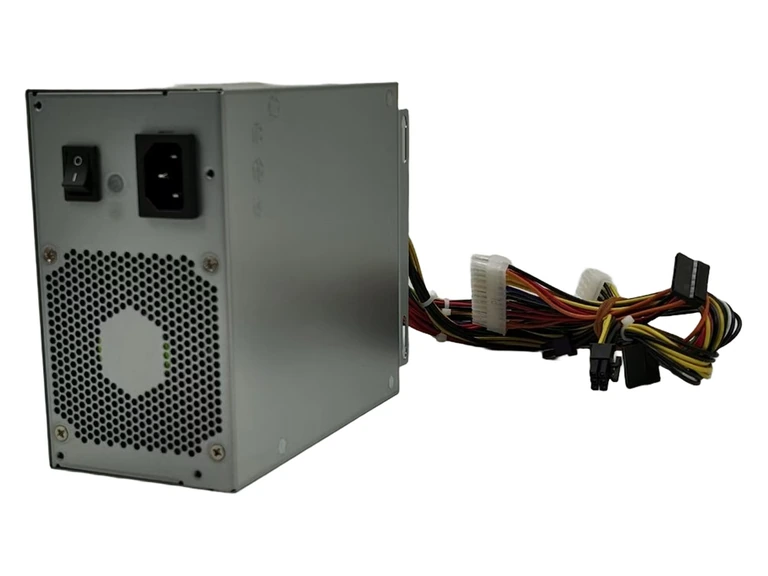
Review the system connectors before ordering. Share photographs or drawings so our team can clarify the parts and interfaces involved.
Discuss your requirement ↗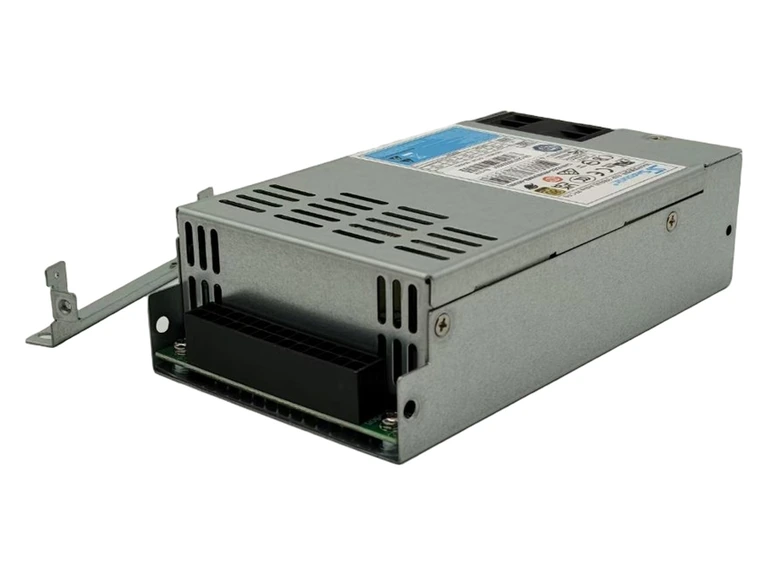
Confirm the operating environment, required quantity and destination. Functions and included components depend on the exact sales configuration.
Discuss your requirement ↗Send the part number, quantity and your system requirements.