
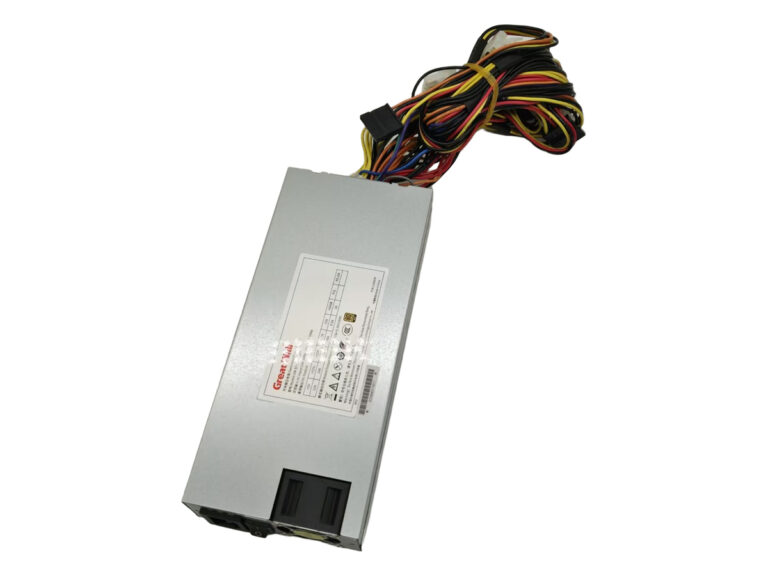
Great Wall
GW-EPS1U400WB
400 W · Configuration confirmed on request
View specifications ↗Compare standalone 1U and 2U server power supplies by installation dimensions, rated output, input supply and wiring. Use the mechanical drawing and full electrical specification for your equipment.

4 matching products
400 W · Configuration confirmed on request
View specifications ↗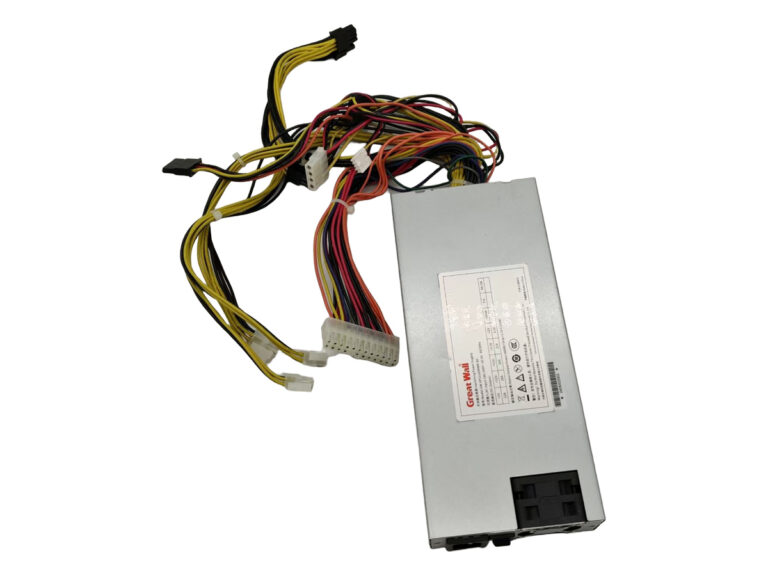
600 W · Configuration confirmed on request
View specifications ↗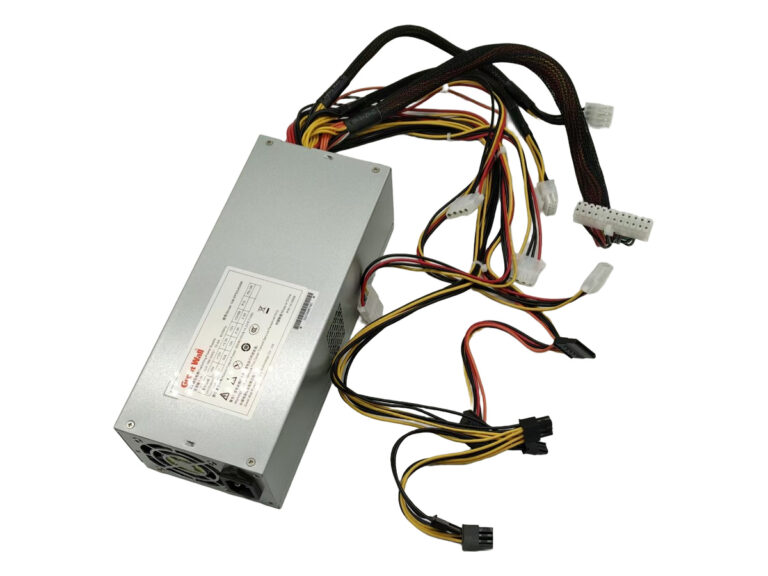
600 W · Configuration confirmed on request
View specifications ↗850 W · Configuration confirmed on request
View specifications ↗The rack-format description does not define every PSU dimension. Power supply length, mounting features and cable exits can differ between models used in compact rack enclosures. Compare the approved dimensional drawing with the available chassis space.
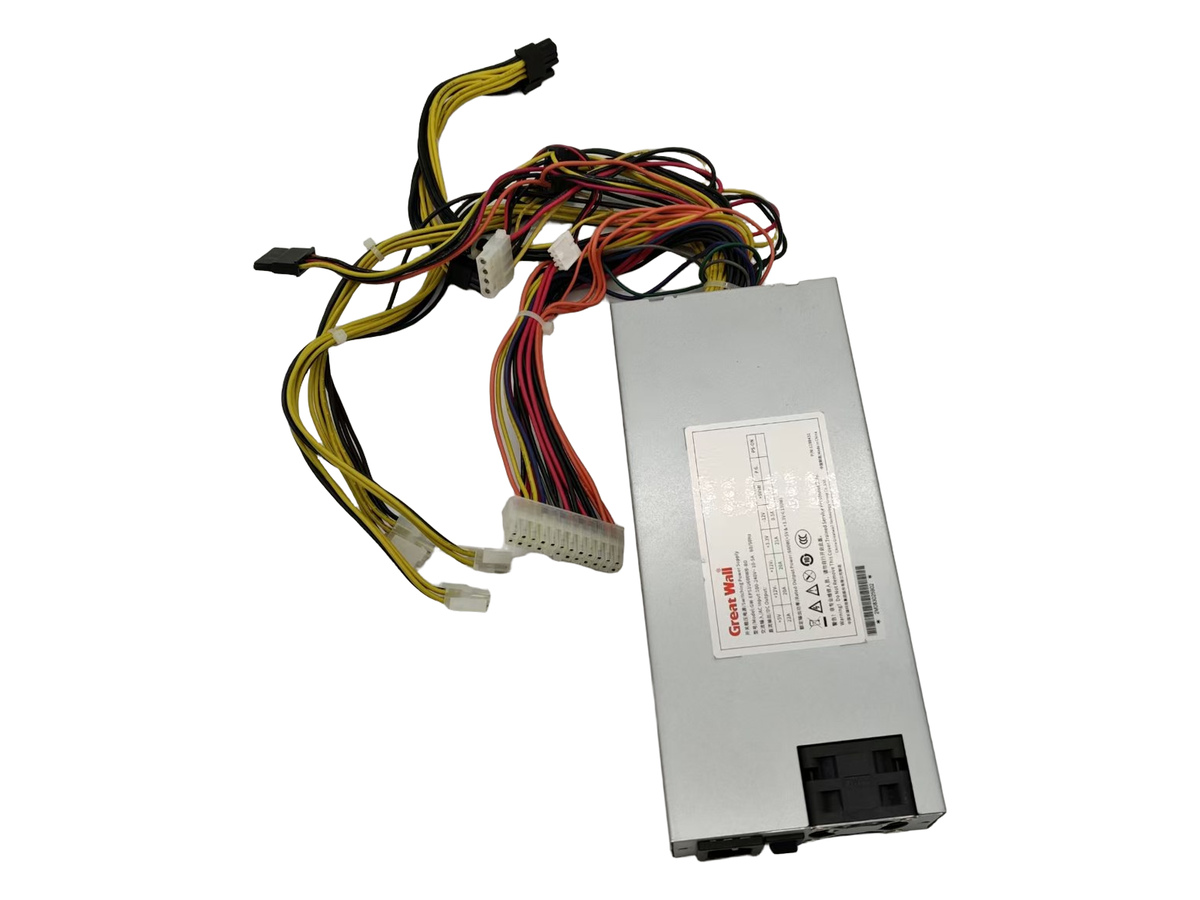
Measure available length, width and height, mounting locations and clearance for connectors. Include cable bend radius and the space needed for installation or replacement.
List motherboard, processor, drive and peripheral connections. Check the individual rail limits and cable lengths rather than selecting only by total wattage.
Confirm the local mains supply, input range, airflow path and documented operating temperature. Leave the manufacturer-required ventilation and service clearances.
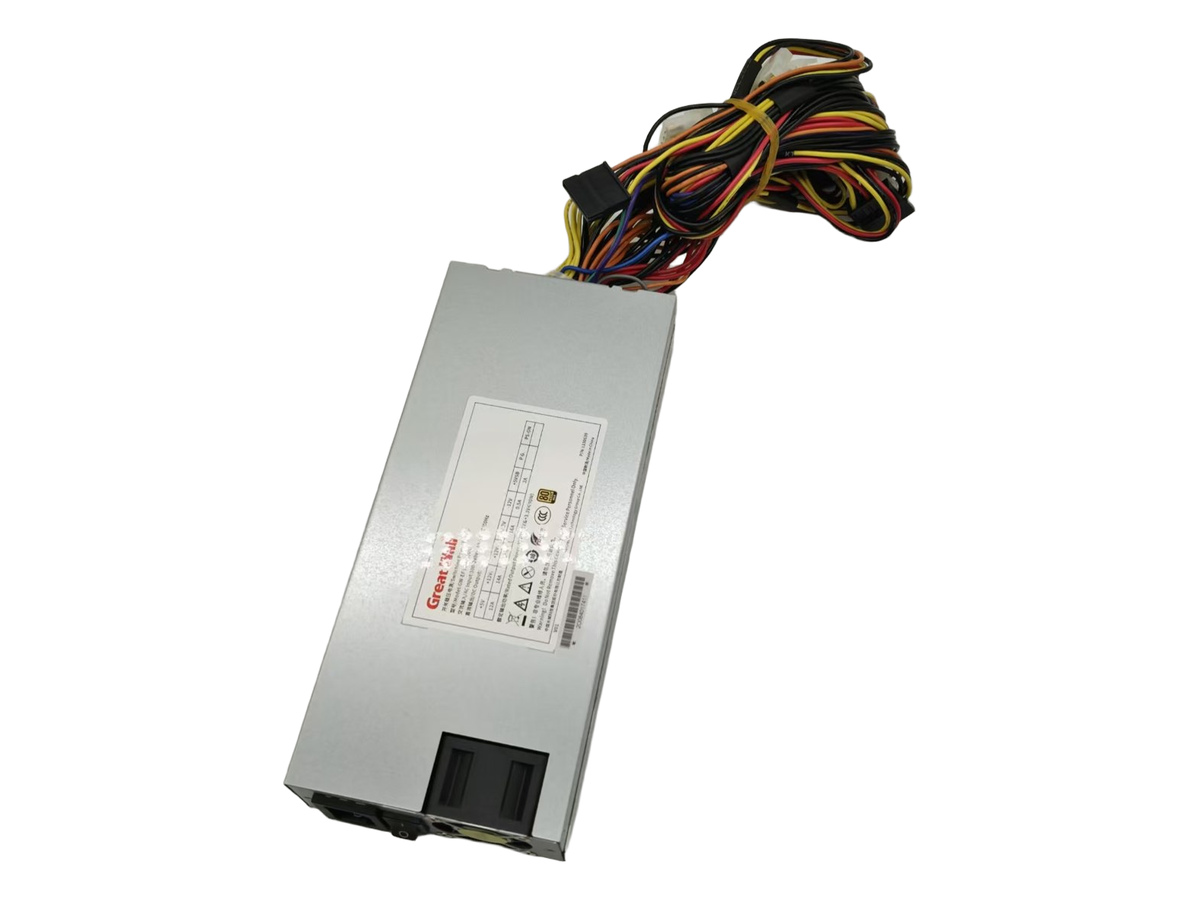
Compare the GW-EPS1U400WB and GW-EPS1U600WB-BD source entries. Confirm chassis length, mounting, cable exits and output connectors.
Compare GW-EPS2U600W and GW-EPS2U850W. Check the full mechanical drawing and electrical requirements rather than assuming interchangeability from rack height.
The merged category keeps 1U and 2U together for browsing. Installation dimensions, wiring and operating conditions remain model-specific.
| Option | What it describes | What to confirm |
|---|---|---|
| 1U standalone PSU | A fixed-wired or standalone power unit | Check dimensions, rail capacity and cables |
| Hot-swap module | A removable system power unit | Check the mating interface and supported host |
| 1U redundant assembly | A specified chassis and module configuration | Check the total assembly dimensions and included components |
These are starting points for a specification review. A listing does not establish compatibility with your particular equipment.
Full model and suffix, chassis or equipment model, required output and input supply, dimensions and connector information.
Quantity, destination, delivery requirement and whether you need modules, a cage, cables or a complete assembly. Ask for the applicable warranty and supply terms.
No. Compare the complete dimensions, mounting points and cable exits; the rack height alone is not enough.
Do not assume so. Hot-swap operation requires a product and system specifically designed and documented for it.
Provide the complete old model, label and connector photos, enclosure dimensions and required cable lengths.
No. Confirm connector types, pinout, cable lengths and output-rail allocation for the exact model.
2U Server Power Supplies · Industrial PC Power Supplies
Server power supply selection checklist · Modules, cages and complete systems · Request model documentation · Rack server applications
Send your model, quantity and system details for an individual configuration and supply check.
Use the product format as your starting point, then check the details that matter to your equipment.
Compare the installation envelope using the model documentation and your equipment requirements. A product photograph is a starting point, not a compatibility confirmation.
Discuss your requirement ↗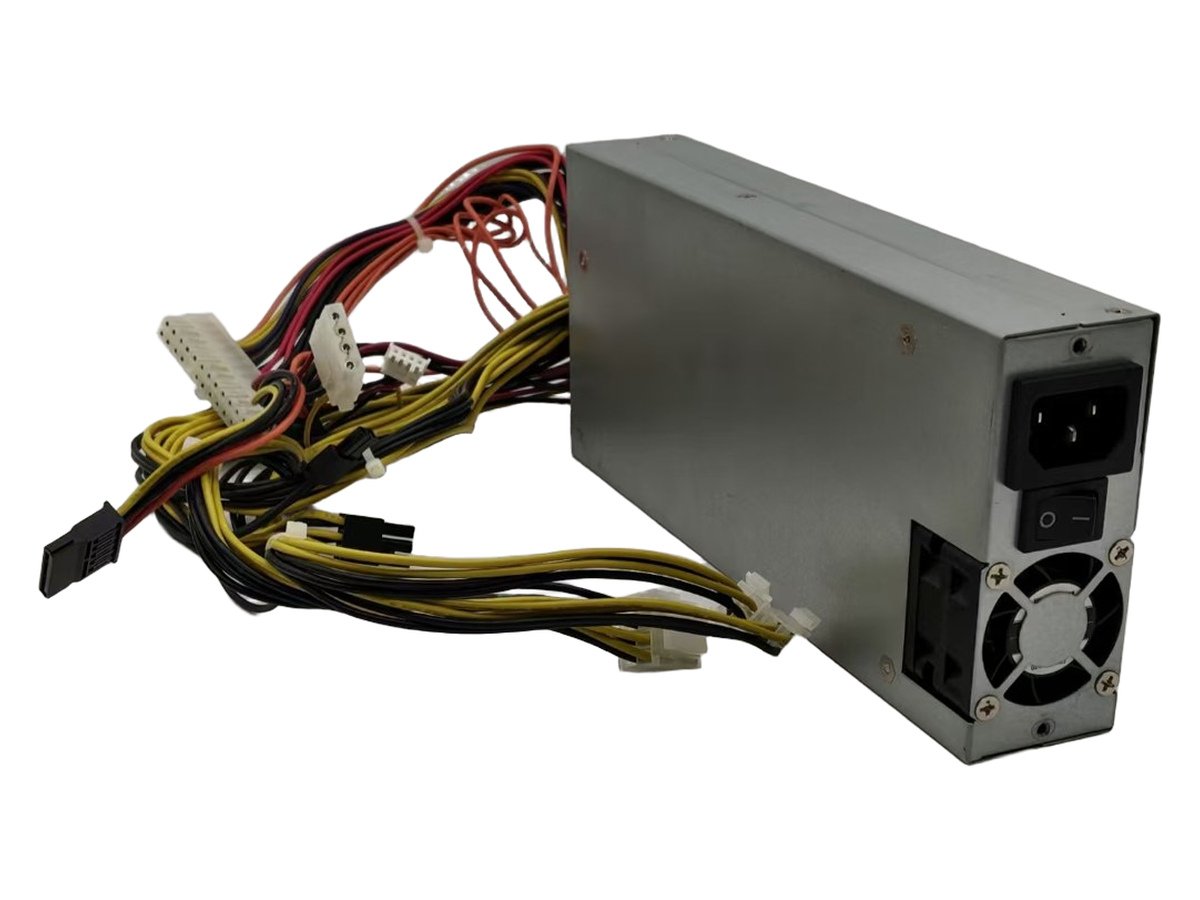
Review the cable and connector layout before ordering. Share photographs or drawings so our team can clarify the parts and interfaces involved.
Discuss your requirement ↗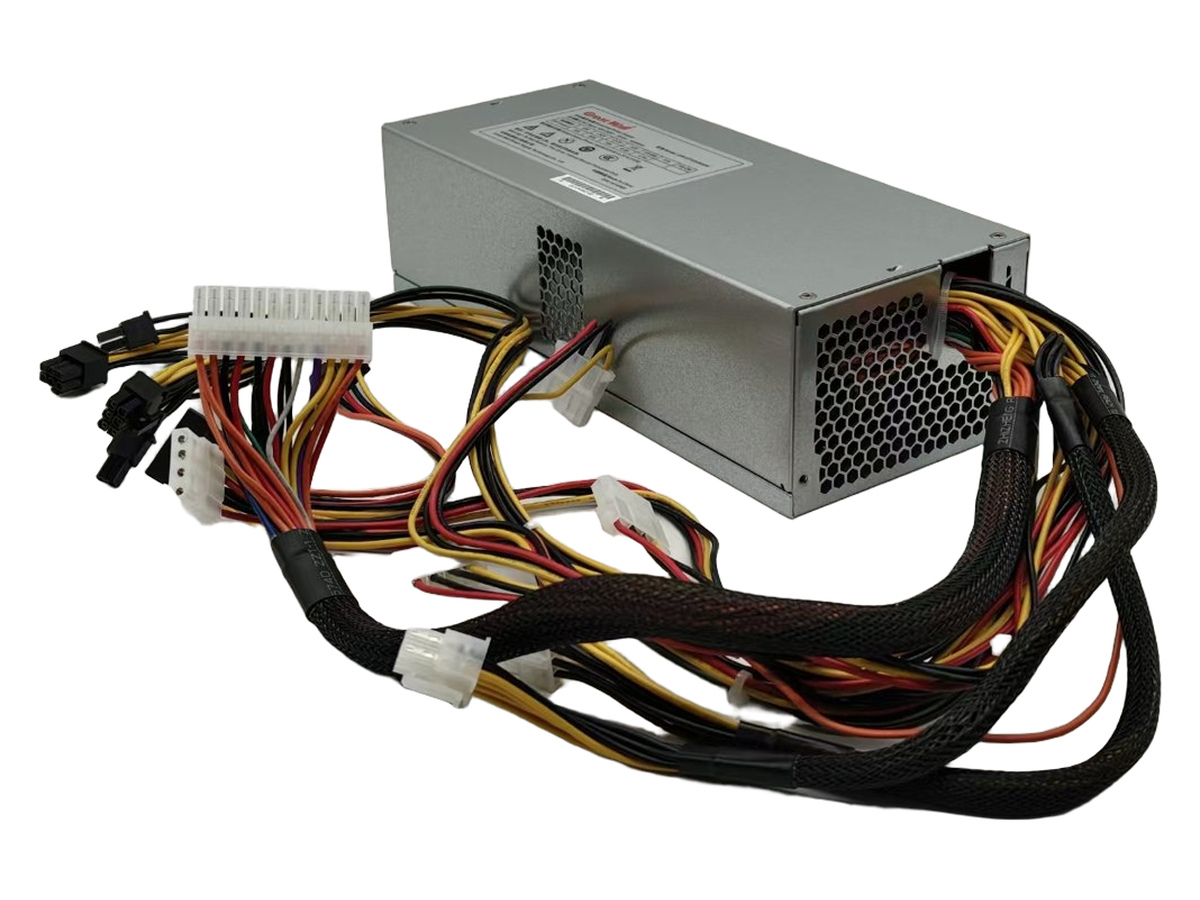
Confirm the electrical requirements, required quantity and destination. Functions and included components depend on the exact sales configuration.
Discuss your requirement ↗Send the part number, quantity and your system requirements.